How to Add to
Wedding Registries
Log into your Zola account and go to your registry.
Copy the URL of the artwork you want from The Scouted Studio.
In your Zola registry, choose Add Gifts → Add from Another Store.
Paste the URL when prompted.
Confirm the artwork details and save it to your registry.
The item will now show up alongside other registry items for guests to view.
Browse The Scouted Studio and choose the artwork you love.
Copy the link from the artwork’s product page.
Log into your The Knot account and open your registry.
Paste the artwork link, review the details, and save.
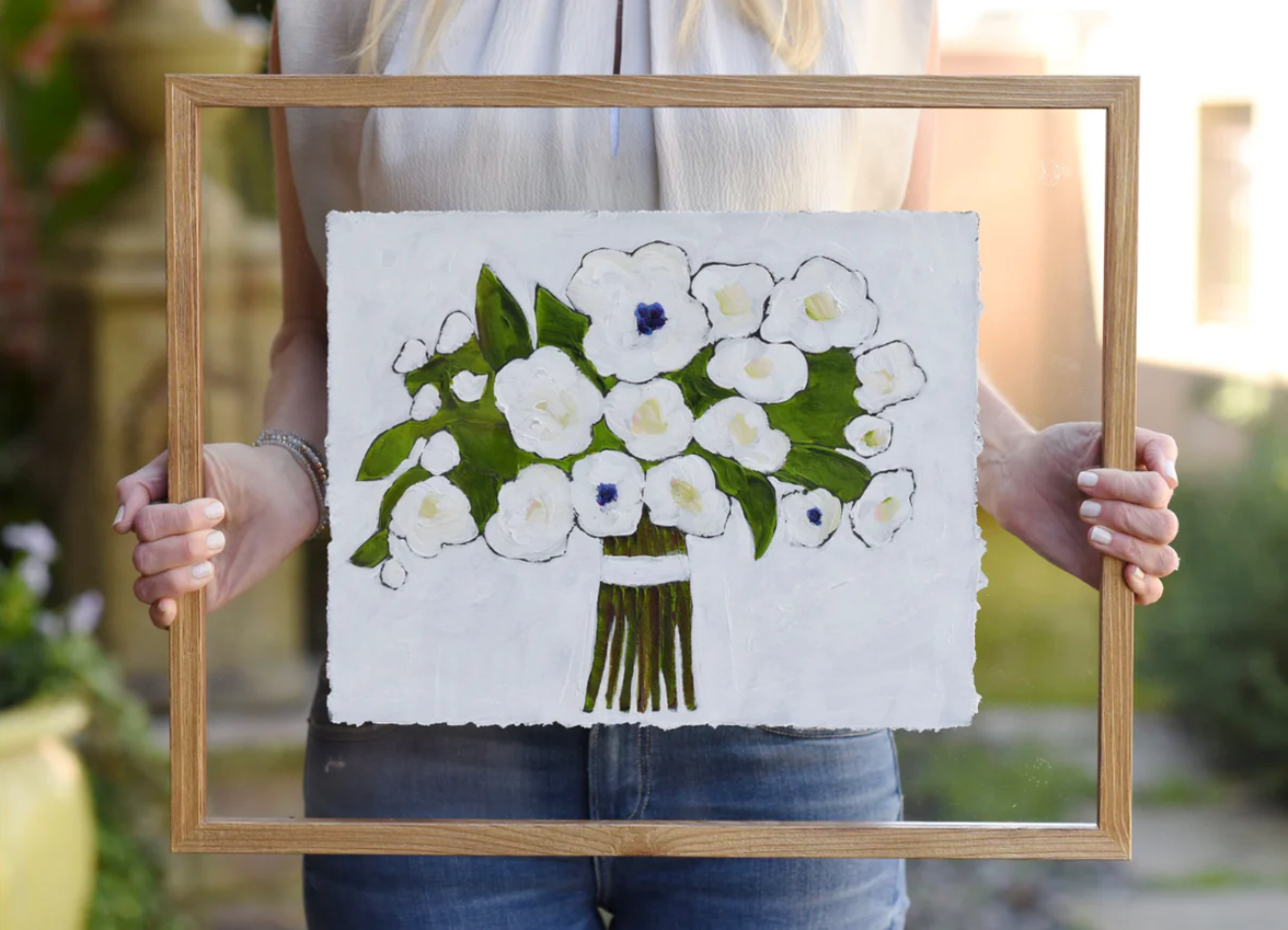
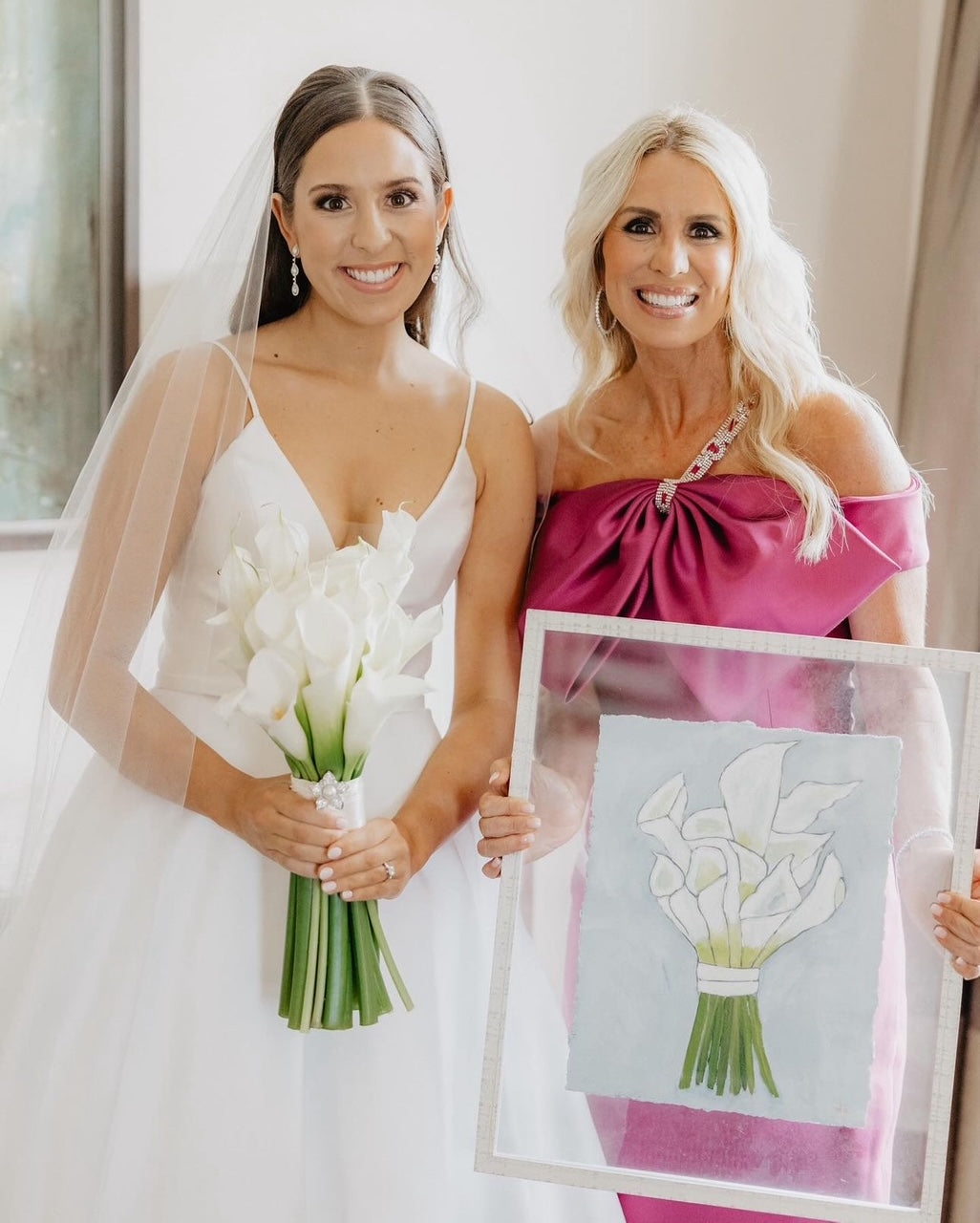
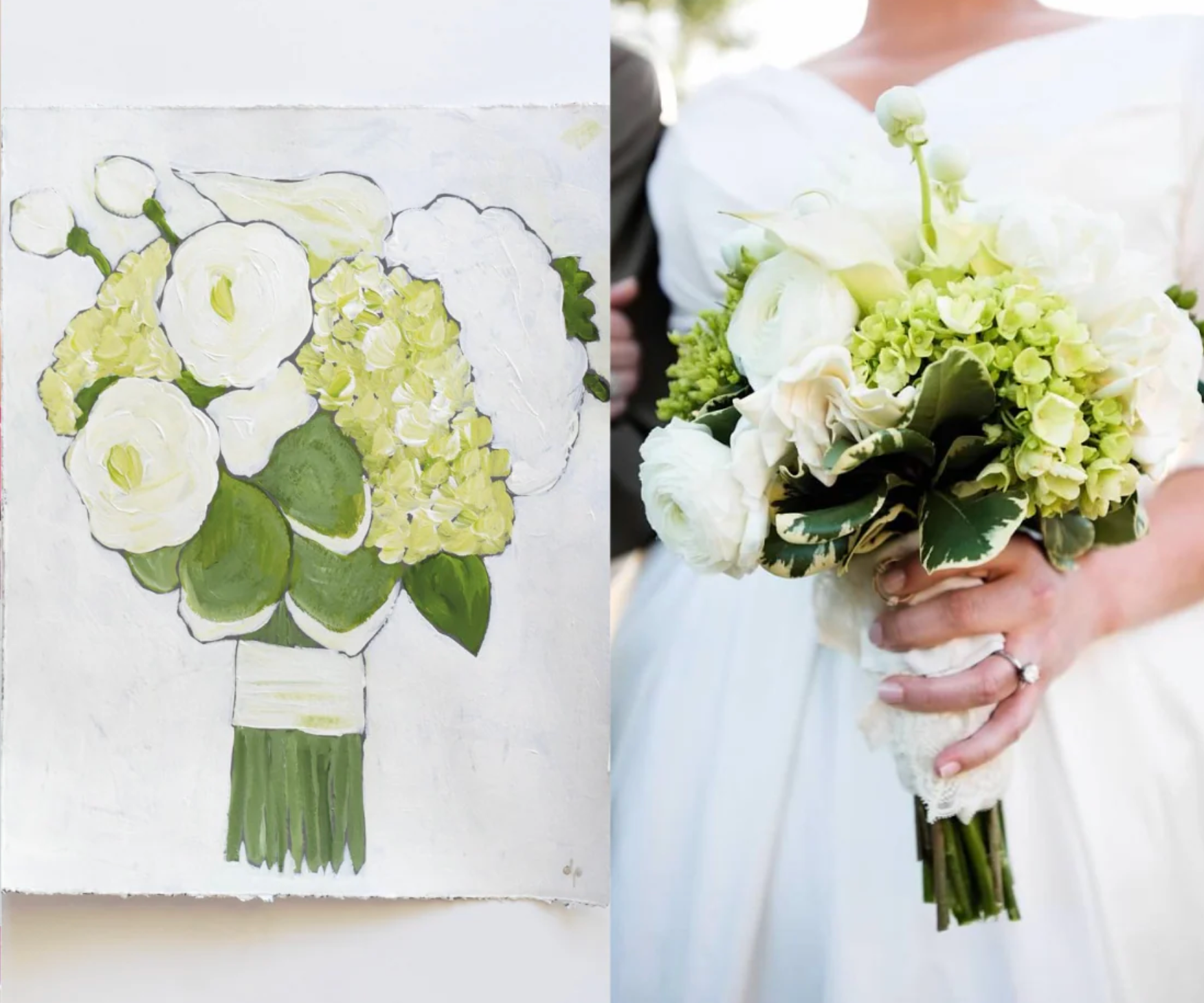
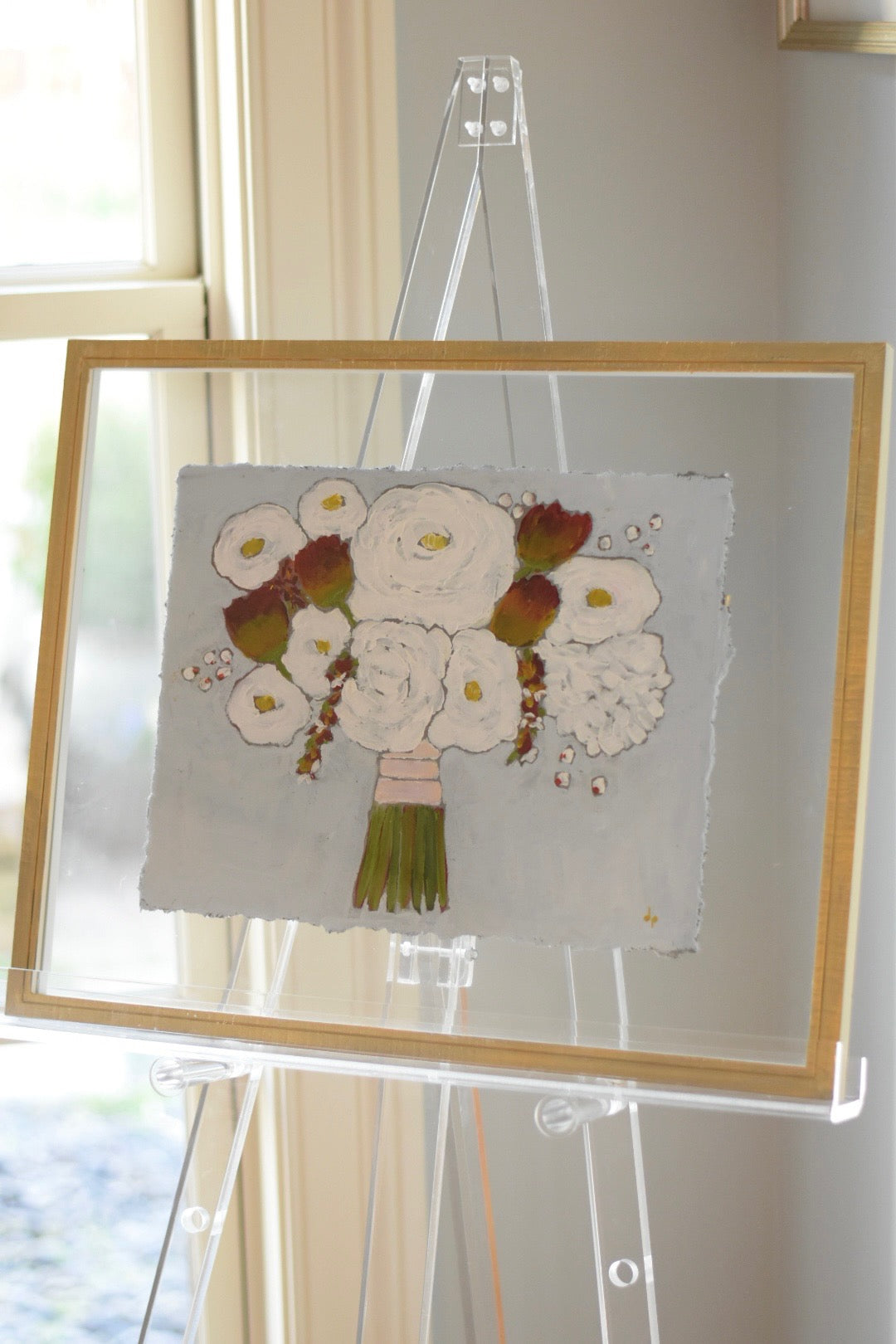
An original, expressionistic acrylic floral painting on 14"x11” heavy weight archival paper. The paper has hand torn edges and fits easily in a standard 16”x20” frame.
After purchase, just email me several photos of your special flowers and give me a couple of weeks to paint your special painting.
An amazing gift for brides or mothers of the bride.
The painting will be stamped and signed on the back.
**UNFRAMED**

Inspiration

Custom Painting
How to Add to
Baby Registries
Log into your Babylist account and open your registry.
Copy the URL of the artwork you want from The Scouted Studio.
In Babylist, click Add Item → Add from another store (or use the browser button if installed).
Paste the URL when prompted.
Review the artwork details and save it to your registry.
The piece will now appear alongside your other registry items for guests to view.
Log into your Amazon Baby Registry.
Copy the URL of the artwork from The Scouted Studio.
Install the Amazon Assistant / Universal Registry Button in your browser (if not already installed).
While on the artwork page, click the Amazon button to add the item.
Confirm details and save it to your registry.
The artwork will now appear in your Amazon registry as an external item.
Nursery Picks